Physical Address
Islamabad, Pakistan
Physical Address
Islamabad, Pakistan

Video content has become one of the most popular ways to share information, entertainment, news, tutorials, and personal stories online. Whether you are creating YouTube videos, Instagram Reels, TikTok videos, Facebook content, or short news clips, having a good video editor can make a huge difference.
The good news is that you do not always need an expensive subscription to create professional-looking videos. Several free video editing apps offer powerful editing tools, AI features, transitions, captions, effects, filters, music, and templates without requiring users to pay upfront.
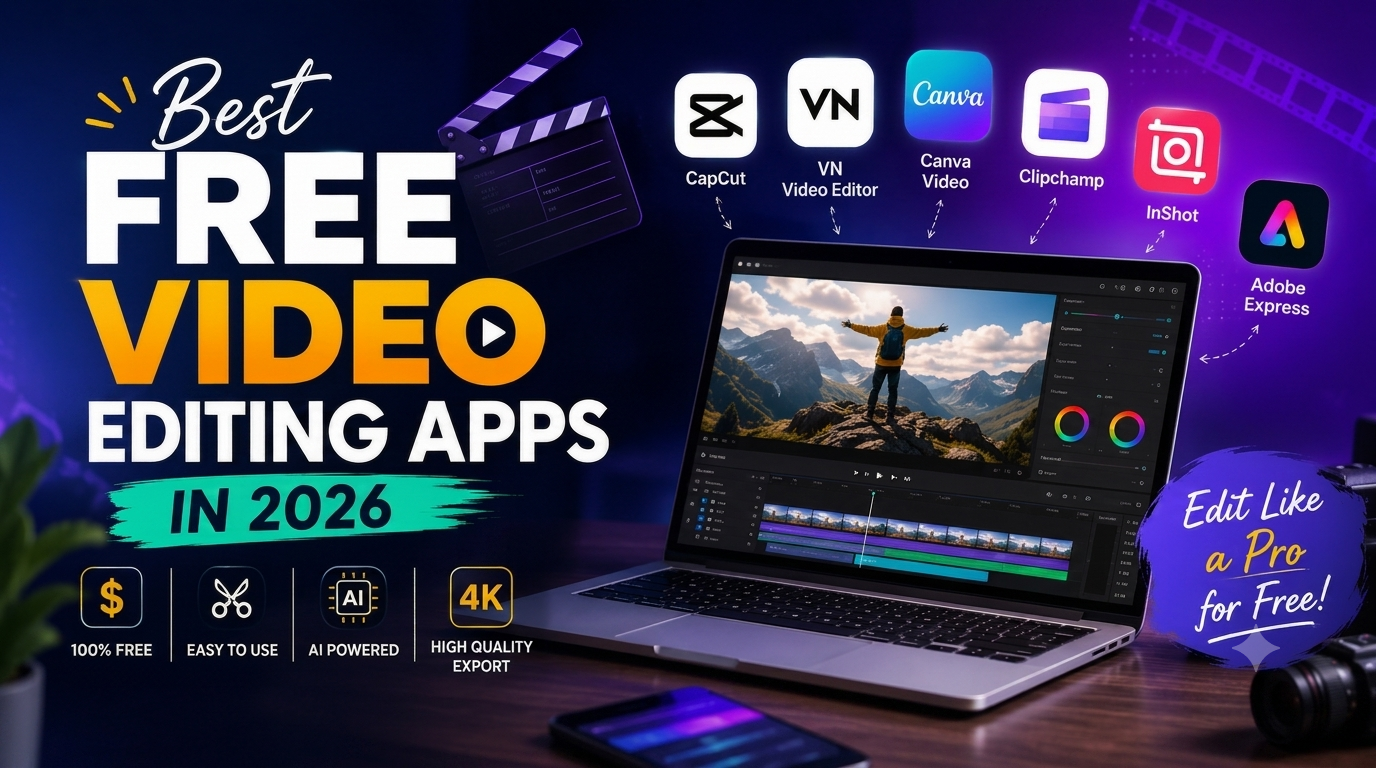
In this article, we explore some of the best unpaid and free video editing apps in 2026, their features, advantages, limitations, and which type of creator should use each one.
What Is a Free Video Editing App?
A free video editing app allows users to edit videos without purchasing a premium subscription. Depending on the application, users may be able to cut and merge clips, add music, create captions, use transitions, remove backgrounds, add text, adjust video speed, and export videos.
Some apps offer their basic tools for free while keeping advanced AI features behind a paid plan. Therefore, it is important to check which features are actually available in the free version.
CapCut has become one of the most popular choices for people creating short-form content. It is particularly useful for TikTok videos, Instagram Reels, YouTube Shorts, entertainment videos, and social-media posts.
Key Features
CapCut is especially useful for beginners because many editing functions are straightforward and do not require professional video-editing experience.
Who Should Use CapCut?
CapCut is a good choice for creators who regularly produce Shorts, Reels, TikTok videos, celebrity news videos, entertainment clips, and quick social-media content.
VN Video Editor is another popular option for people who want more control over their videos while still using a relatively simple interface.
It provides tools for cutting clips, adding music, adjusting video speed, creating transitions, adding text, and working with multiple layers.
One of VN’s biggest advantages is that it feels closer to a traditional video editor while remaining accessible to beginners.
Who Should Use VN?
VN is a good option for users who want to create YouTube videos, Shorts, Reels, tutorials, and longer videos without immediately moving to complicated professional editing software.
Canva is widely known for graphic design, but it also provides video editing tools.
It is particularly useful when your video requires a lot of text, graphics, images, presentations, titles, and branded elements.
Canva can be especially useful for bloggers and news-content creators who want to turn written articles into short videos.
Canva is ideal for bloggers, social-media managers, news pages, small businesses, and beginners who want to combine video with graphics and text.
Clipchamp is a convenient option for Windows users and people who prefer editing videos through a computer.
It provides basic editing features such as trimming, cutting, adding text, transitions, music, and other visual elements.
Key Features
For someone who prefers working on a larger screen rather than a smartphone, Clipchamp can be a useful starting point.
Adobe Express provides tools designed for quickly creating social-media graphics and videos.
It is particularly useful when you want to create content using templates rather than building every element from scratch.
It can be useful for creators who want to produce visually polished social-media content without learning a professional editing program.
InShot is another popular mobile video editor. Its interface is designed for people who want to quickly edit videos directly from their phones.
It is particularly convenient for Instagram Reels, TikTok videos, and other mobile-first content.
Keep in mind that some features may require payment, depending on the current version and platform.
The best app depends on what you are creating.
| App | Best For | Difficulty |
|---|---|---|
| CapCut | Shorts, Reels and social media | Easy |
| VN Video Editor | More advanced mobile editing | Easy–Medium |
| Canva | Text, graphics and simple videos | Very Easy |
| Clipchamp | PC-based editing | Easy |
| Adobe Express | Templates and social content | Easy |
| InShot | Quick mobile editing | Very Easy |
If your main goal is creating YouTube Shorts, CapCut and VN are strong choices.
You can combine short video clips, add captions, use transitions, add background music, and export the final video in a vertical format.
For news and entertainment content, Canva and CapCut can be particularly useful.
For example, you can create a short video about a trending celebrity story by combining:
This approach can turn a written blog post into an engaging social-media video.
If you have never edited a video before, start with CapCut, Canva, or InShot.
These applications provide relatively simple interfaces and templates, allowing beginners to start creating videos without spending hours learning complicated software.
This is an important question.
Many apps advertise themselves as free, but they may use a freemium model. This means basic tools are available without payment while certain advanced features require a subscription or one-time purchase.
Before starting a project, check:
Therefore, “free” does not always mean that every feature is completely free.
You can create a good video without expensive software by following a simple workflow.
Start with a clear topic. For example, you could create a video about a trending Pakistani drama, Bollywood movie, Netflix show, or celebrity story.
Write a short script before editing. For a 30–60 second video, keep the information concise and easy to understand.
Use your own footage, properly licensed stock footage, or media you have permission to use.
Import the clips into your chosen editor and remove unnecessary sections.
Captions can make videos easier to follow, especially when viewers are watching without sound.
Choose suitable background music and keep the volume low enough that narration remains clear.
The first few seconds are important. Start with an interesting headline or question that tells viewers why they should continue watching.
For Shorts, Reels, and TikTok, a vertical 9:16 format is generally the appropriate choice.
Paid professional programs can provide advanced color grading, audio production, motion graphics, collaboration features, and other professional tools.
However, beginners do not necessarily need all of these features.
A free editor can be enough for:
As your editing skills improve, you can decide whether you need more advanced software.
You do not need an expensive video-editing subscription to start creating content in 2026. CapCut, VN Video Editor, Canva, Clipchamp, Adobe Express, and InShot all provide useful tools for creators, although the exact free features and limitations can vary.
For beginners and social-media creators, CapCut is one of the easiest places to start. VN is a strong alternative for users who want greater editing control, while Canva is excellent for videos that depend heavily on text and graphics.
The most important thing is not the price of the editing app. A strong idea, clear script, good visuals, readable captions, and engaging storytelling can make a much bigger difference.
If you are starting a blog or social-media page, begin with a free editor, learn the basics, and upgrade only when your content genuinely requires more advanced tools.